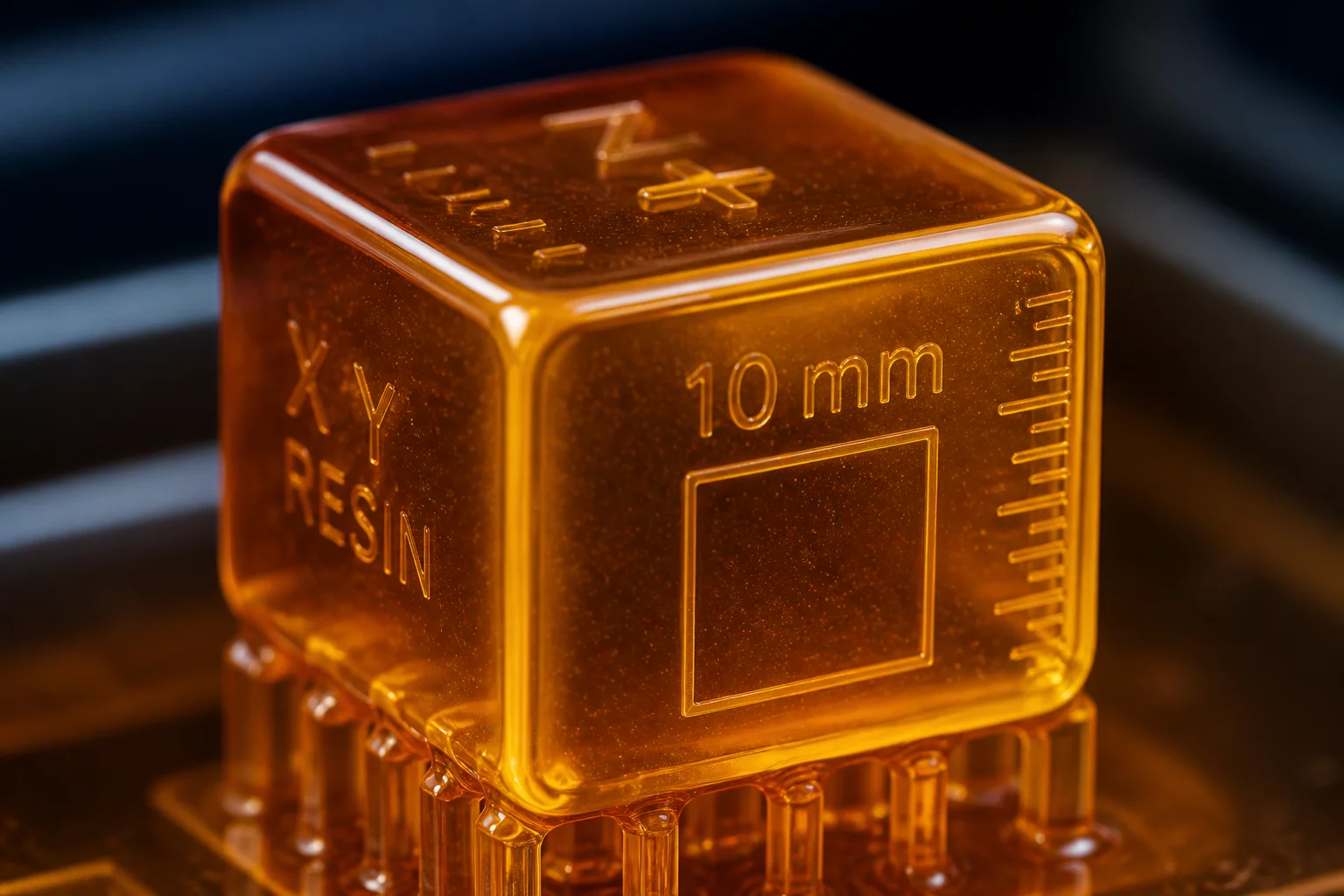
In SLA, DLP, and LCD 3D printing, achieving perfectly sharp 90-degree edges on resin parts is a persistent challenge. Liquid photopolymers naturally minimize their surface area, creating a meniscus that rounds off sharp external corners before UV exposure can lock the geometry. This phenomenon, known as the surface tension effect, is critical in engineering prototypes, interlocking joints, and miniature scale models.
The Physics of Liquid Resins on Sharp Geometries
When a 3D printer cures a layer, it does so within a bath of liquid resin. As the build platform pulls away from the FEP film, fresh resin flows back to cover the cured area. At the boundary of a sharp corner, the liquid photopolymer pulls back slightly due to cohesive forces. This surface tension forms a curved meniscus instead of a sharp angle. During subsequent exposure cycles, light bleed (curing depth bleed) cures this meniscus, leaving a rounded corner instead of the intended sharp edge.
Factors Amplifying Corner Rounding
Several parameters directly influence how severely surface tension rounds sharp edges:
- Resin Viscosity: High-viscosity engineering resins flow more slowly, which can trap excess material at the corners, creating larger rounded profiles.
- Layer Thickness: Larger layer heights mean larger volumes of uncured liquid resin sit around the edges per cycle, increasing the meniscus radius.
- Light Bleed and Exposure: Overexposure cures the liquid resin surrounding the sharp corners, sealing the rounded meniscus shape into the final model.
Calibration and Mitigation Strategies
To counteract surface tension and maintain edge crispness, developers and print operators must tune their slicer settings and model designs. Here are the primary techniques:
- Optimize Exposure Times: Use exposure calibration matrices to find the minimum exposure time required to cure the part without causing light bleed.
- Compensate with Anti-Aliasing (AA): Adjust anti-aliasing and grey level settings to manage pixel transitions on outer borders, reducing the step effect and rounding.
- Design Corner Reliefs (Dogbones): Add a small recessed relief circle at internal corners to bypass the rounding problem completely.
- Orient the Prints Properly: Angle the part at 30 to 45 degrees relative to the build plate to distribute liquid peel forces and help resin drain faster.
Summary of Experimental Observations
Our tests with standard grey model resins showed that a nominal 90-degree corner printed flat on the build plate resulted in an average radius of 0.12mm. By optimizing exposure times and using a 45-degree tilt, we successfully reduced the corner radius to less than 0.04mm, which is well within acceptable tolerance for precision assemblies.
Add Your Perspective